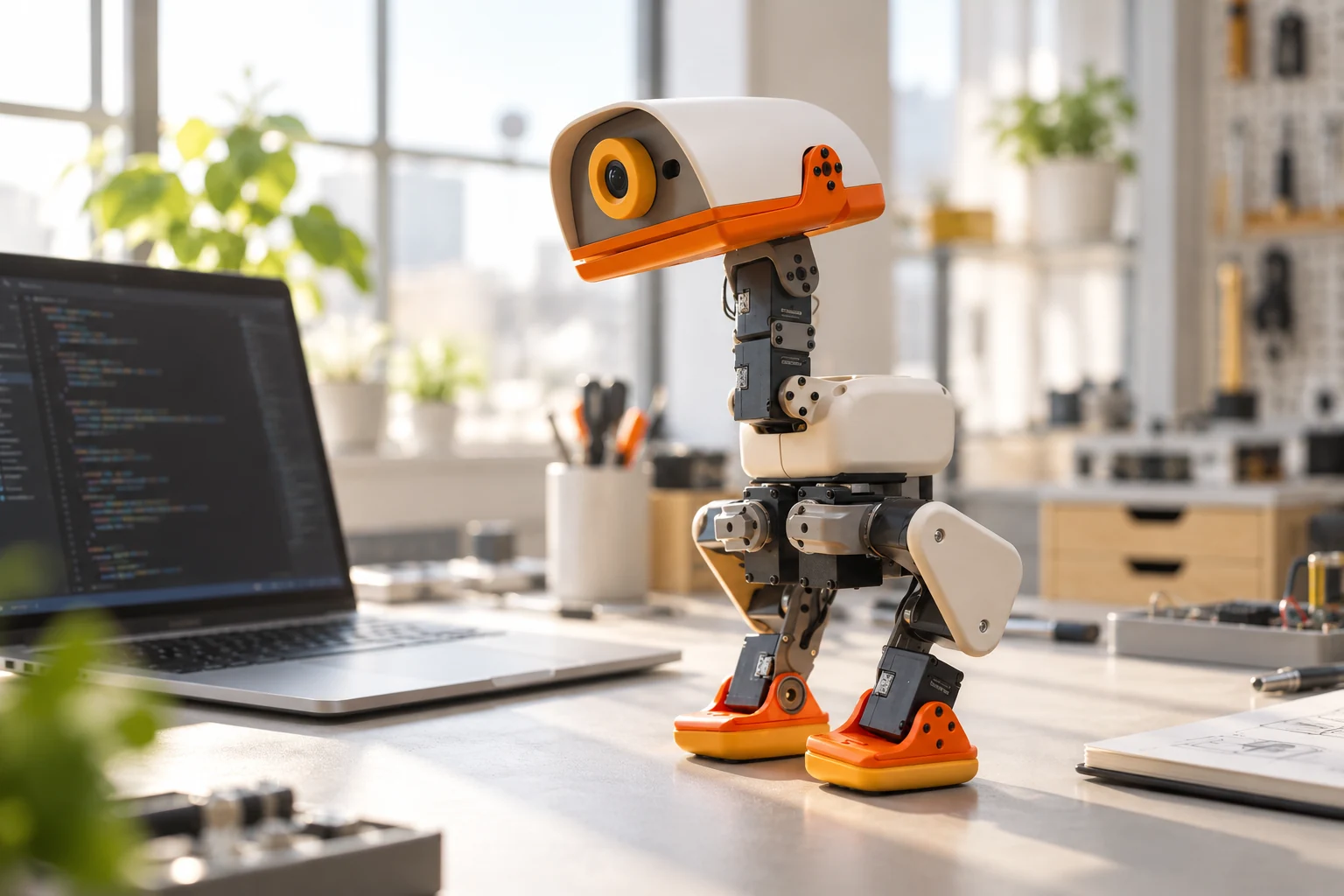
Start with the official Microduck simulator
Open the Microduck Sandbox by Pollen Robotics. The Space’s README explains that it runs MuJoCo physics and trained ONNX policies in the browser. You do not need a physical robot to try this demonstration.
- Let the simulator finish loading, then use the arrow keys or WASD to steer.
- Try
Rfor sit and stand in leg mode. UseSpaceto reset the simulation. - Press
Mto switch between leg and roller variants. Compare how the same steering intent produces different movement. - Write down one behavior you want to investigate before moving into the code.
Those are browser-demo controls. They are not instructions to fit accessories or execute an equivalent action on hardware. The simulator is useful for observing behavior, but it is not a physical test of battery life, radio reliability, or durability.
Choose the right part of the software stack
| Your goal | Start with | First useful milestone |
|---|---|---|
| Inspect or control an existing behavior | Runtime documentation and command-line reference | Read the robot’s version, health, and state |
| Change runtime behavior or a client | Microduck repository and local daemon simulation | Reproduce a small change in simulation |
| Train a new movement policy | Microduck RL repository | Run an existing task before editing its reward |
The Microduck repository contains the runtime. The separate microduck_rl repository contains reinforcement-learning environments. Treating these as separate projects helps you avoid starting a training job when you only wanted to inspect an existing behavior.
First checks on a configured robot
On an already configured robot, the official command reference begins with version and health checks. These inspection commands provide a useful starting point before changing settings:
robotctl version
robotctl health
robotctl monitor
Run them in the robot’s configured environment, following the manufacturer’s connection instructions. They are not generic commands supplied by your laptop’s operating system. Version information helps identify a mismatch between installed software and running services; the monitor shows measured state alongside requested control.
For your first experiment, save the software version and describe the starting state. Change one variable at a time and define success in advance. A short, repeatable observation is easier to debug than a sequence that mixes new software, a new policy, and a new physical setup.
Develop locally without a robot
The local simulation guide documents a separate tool that runs the real daemons against a MuJoCo body. It requires the runtime checkout and a prepared microduck_rl environment; prerequisites vary with the platform and whether you enable cameras or containers.
Once those documented prerequisites are ready, the guide provides these commands from the Microduck runtime checkout:
scripts/duck-sim
scripts/duck-sim status
scripts/duck-sim ctl health
scripts/duck-sim down
This is a local development simulator, distinct from the browser Sandbox. The documentation says it can exercise the control loop and clients, while hardware-specific drivers still need real hardware. Use it to narrow a software problem, then validate relevant physical behavior separately.
Training a policy is a separate step
The RL repository documents MuJoCo Warp and PPO training, a CUDA GPU requirement for local training, and ONNX export for deployment. Its task registry can be inspected with uv run list-envs after following that repository’s setup. Training is more involved than replaying a policy, so inspect the current requirements before scheduling a run.
A practical first project is to reproduce a published task, document its settings, and change one reward term. Compare the result against that baseline. Keep the training configuration, code revision, and export together so a later difference can be explained.
What this guide is based on
Commands and controls were checked against official documentation on 27 October 2026; we have not claimed to run them on a physical robot. Repository branches and interfaces can change, so use the source instructions for your selected revision. See hardware specifications for sensor and license limits.
Sources and further reading
Product information can change. Check the manufacturer’s current documentation before making a purchase or starting a project.