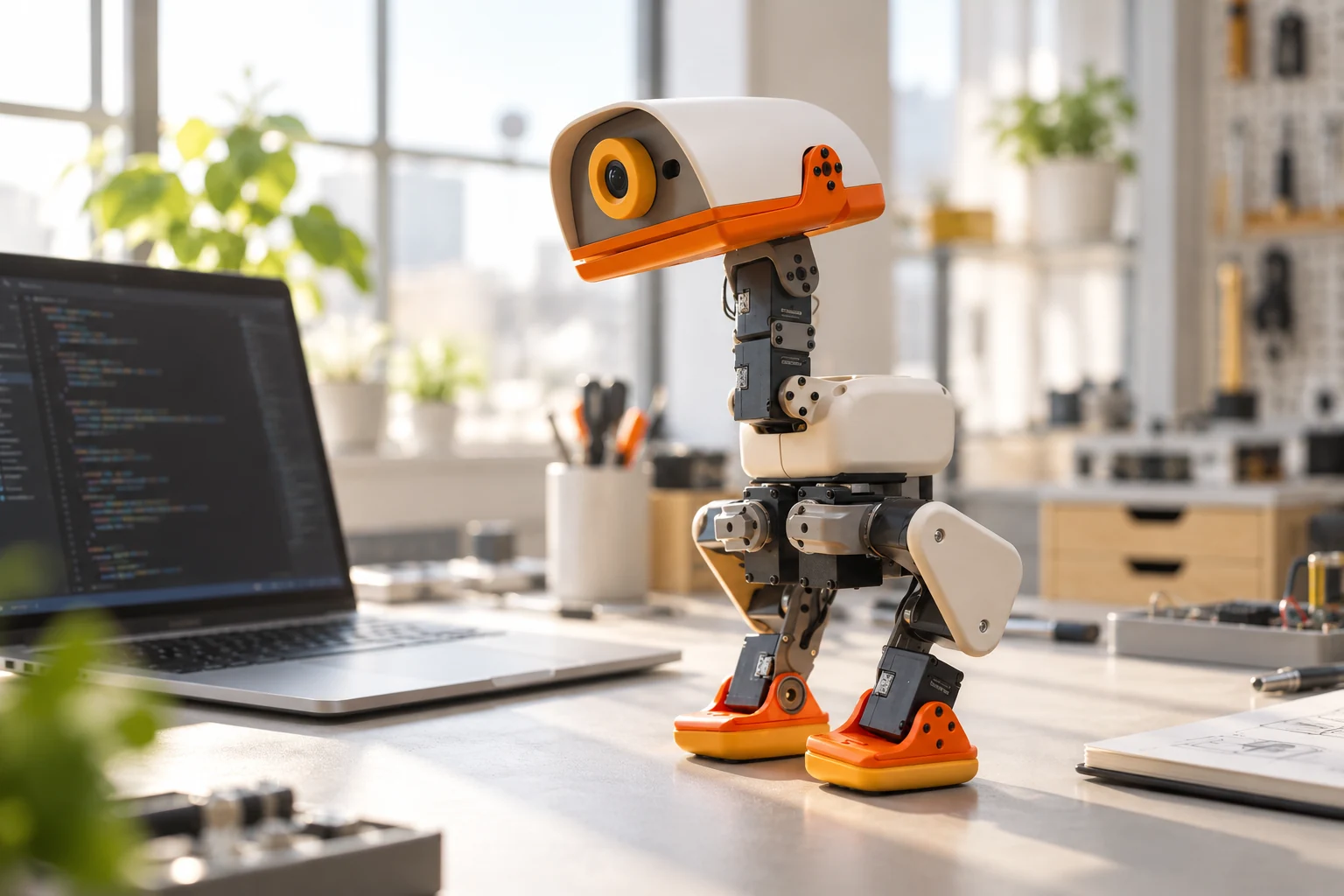
Microduck hardware at a glance
The following specifications come from Pollen Robotics’ Microduck press kit, checked on 27 October 2026. The manufacturer marks some details as provisional. Treat these figures as published product information rather than measurements from our own test.
| Component | Published specification |
|---|---|
| Size and weight | 25 cm tall, 14 cm wide; under 800 g |
| Movement | 15 motors; articulated legs, head, and neck |
| Vision and depth | Front camera; 8 × 8 time-of-flight depth matrix |
| Motion sensing | Two IMUs, in the body and head |
| Physical interaction | Articulated grasping beak |
| Compute and memory | Rockchip RK3566 with AI accelerator; 1 GB RAM; 32 GB storage |
| Connectivity and interaction | Wi-Fi, Bluetooth, microphones, speaker, two NFC antennas |
| Battery | Removable NP-F550, 2600 mAh; around one hour depending on use |
Camera resolution and field of view, depth-sensor range, radio versions, SDK languages, and age guidance are among the details the press kit says are still being finalized. A listed sensor should not be read as a guarantee of an undocumented performance figure.
What the motor count tells you
Fifteen motors describe the robot’s actuation, not fifteen independently useful tricks. The more useful question is how those joints work together. For a biped, the result depends on the controller, the learned movement policy, the contact surface, and the current pose.
The official software repository describes an onboard 50 Hz control loop and behaviors including walking, sitting, kicking, picking up objects, and getting up. That gives developers something concrete to inspect: a movement system with published code and policies rather than a motor count alone.
For a first project, choose an observable outcome such as a repeatable turn or a sit-and-stand sequence. Record the conditions as well as the result. That makes comparisons between code changes more useful than judging how lively the robot looks in a video.
Camera, depth sensor, and IMUs serve different jobs
A camera supplies images. A depth matrix supplies distance samples across its sensing zones. An inertial measurement unit supplies motion-related measurements. These streams are complementary; their presence does not, by itself, establish autonomous navigation, object recognition accuracy, or conversational ability.
When evaluating a vision or navigation idea, write down which measurements the application needs and which software will process them. Then compare that requirement with the actual API and sensor documentation. This avoids buying around an attractive feature name whose practical limits have not been established.
Open-source software and hardware are different questions
Pollen Robotics explicitly limits Microduck’s open-source claim to the software stack; its press kit says the mechanical and electronic design files are not open-source hardware. The runtime and training repositories make software inspection possible, but that does not grant unrestricted rights to every physical design or asset.
The training repository also separates its Apache-2.0 code from 3D model meshes licensed under CC BY-NC-SA 4.0. Check the license of the particular files you intend to reuse, especially for a commercial project.
Controller use, programming, and accessories
Using the included game controller and modifying the software are different entry points. Start with existing behaviors if your aim is to understand the robot’s motion. For development, choose whether you want to build a client, change the runtime, or train a policy; our programming guide explains the distinction.
Physical accessories matter too. The official repository describes fitting wheels before using the skating mode. A software mode cannot substitute for the appropriate hardware. Check the exact bundle and the relevant instructions before planning an accessory-dependent project.
What this guide is based on
This guide summarizes manufacturer documentation reviewed on 27 October 2026. It does not report hands-on battery, sensor, or durability tests. For the announced 400 USD price and Coming soon status on this website, see our Microduck price guide.
Sources and further reading
Product information can change. Check the manufacturer’s current documentation before making a purchase or starting a project.